

How to join NoFilter RP
Fifteen minutes from nothing to standing in the city. No application, no queue.
Five steps
- Own GTA V on PC. Steam, Epic Games or the Rockstar Games Launcher all work. Run the game once so it finishes its own setup.
- Install FiveM. It is free from fivem.net. On first start it asks where GTA V is installed.
- Connect. Open cfx.re/join/m4qm4eq and press Connect. Or, inside FiveM, press F8 and type connect cfx.re/join/m4qm4eq. You can also search NoFilter RP in the server list.
- Accept the rules. The first screen in the city is the rules. Read them and accept. That is the whole allowlist.
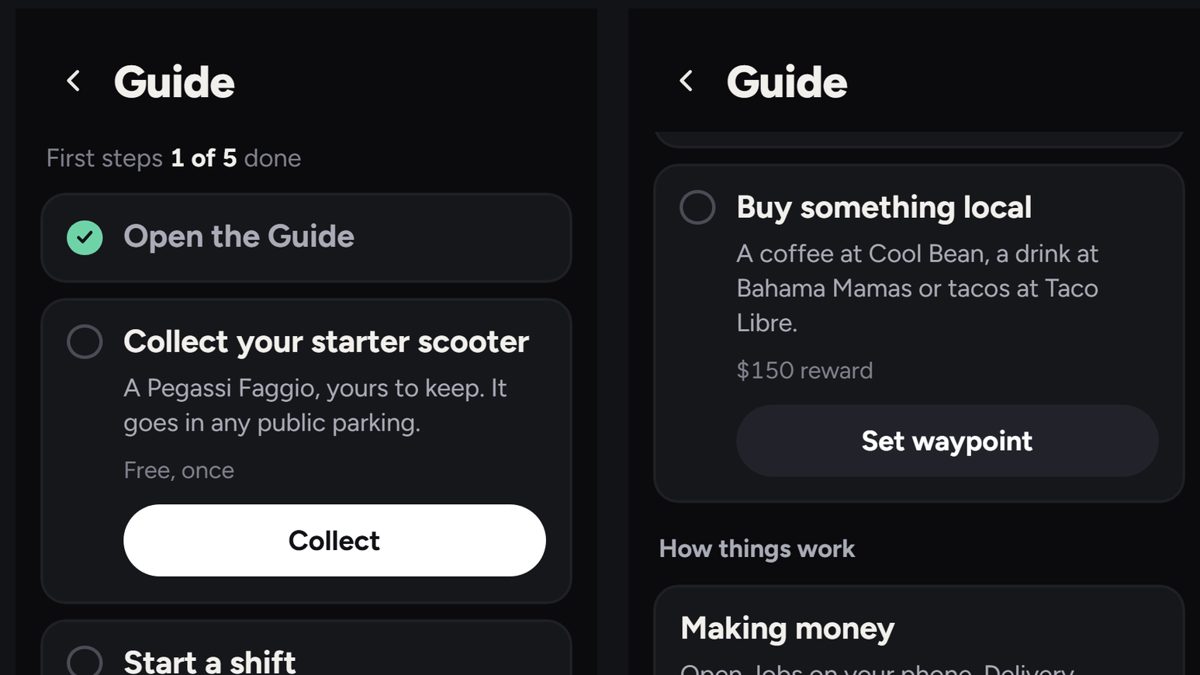
- Make your character. You spawn by the coast with a phone. Press F1, open the Guide and follow the first steps; each one pays.
Keys worth knowing
- F1Phone
- EUse the dot you are looking at
- WheelMove between dots
- F3Radial menu
- TabInventory
- ZHotbar; hold for map and money
- LLock or unlock your vehicle
- AltHold to talk on the radio
- `Voice range
- TChat
Every key can be changed in GTA V's Settings, Key Bindings, FiveM.
What waits inside
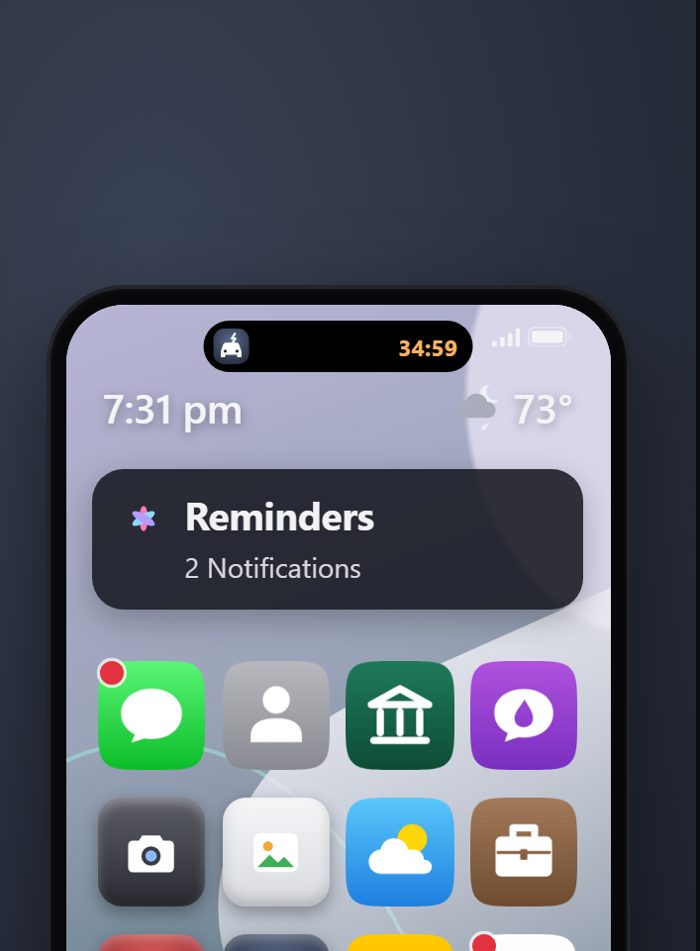
Your phone opens on F1. From there: the Guide, the Bus tab, Jobs, Events, the bank and the rest.
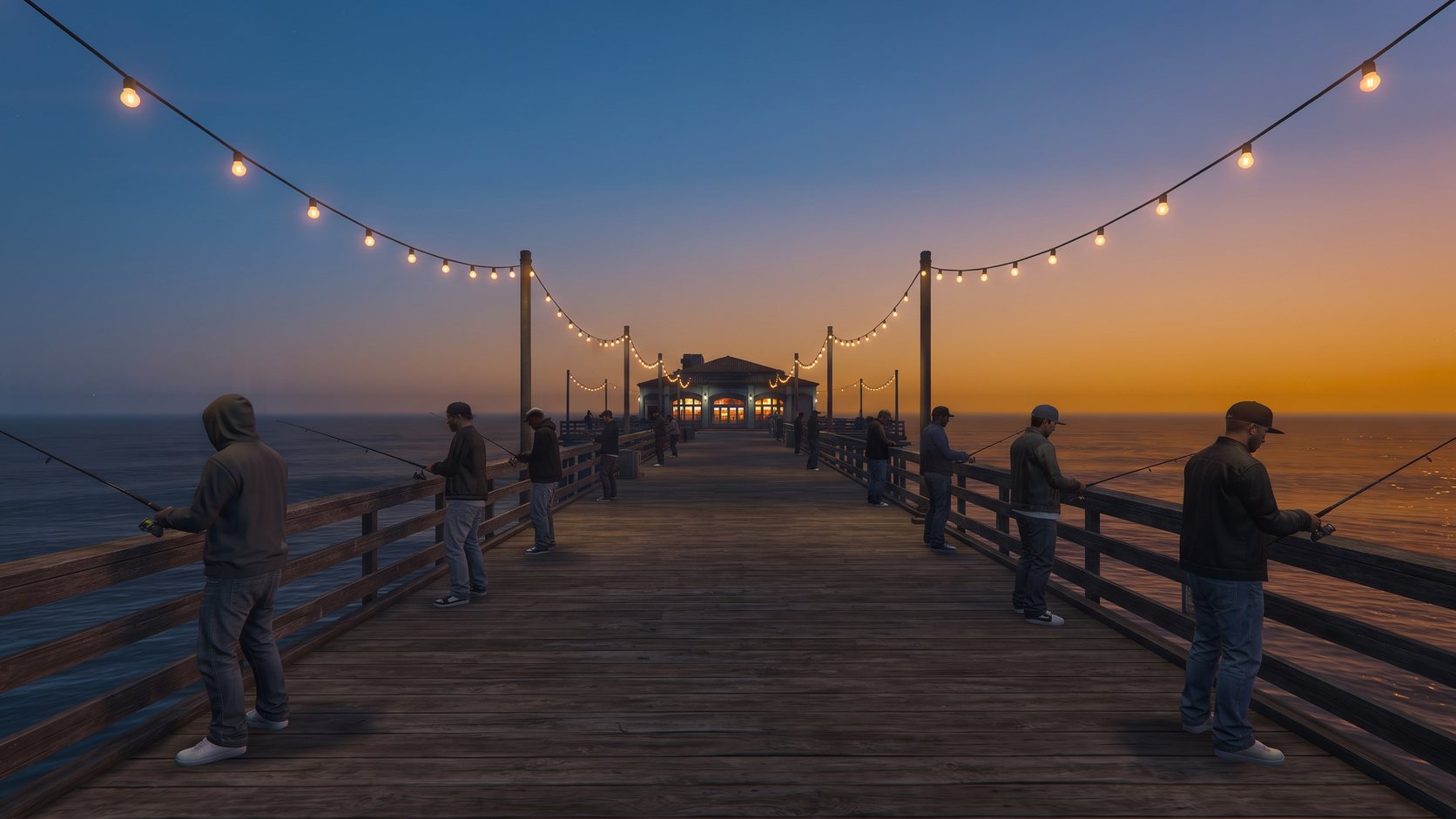
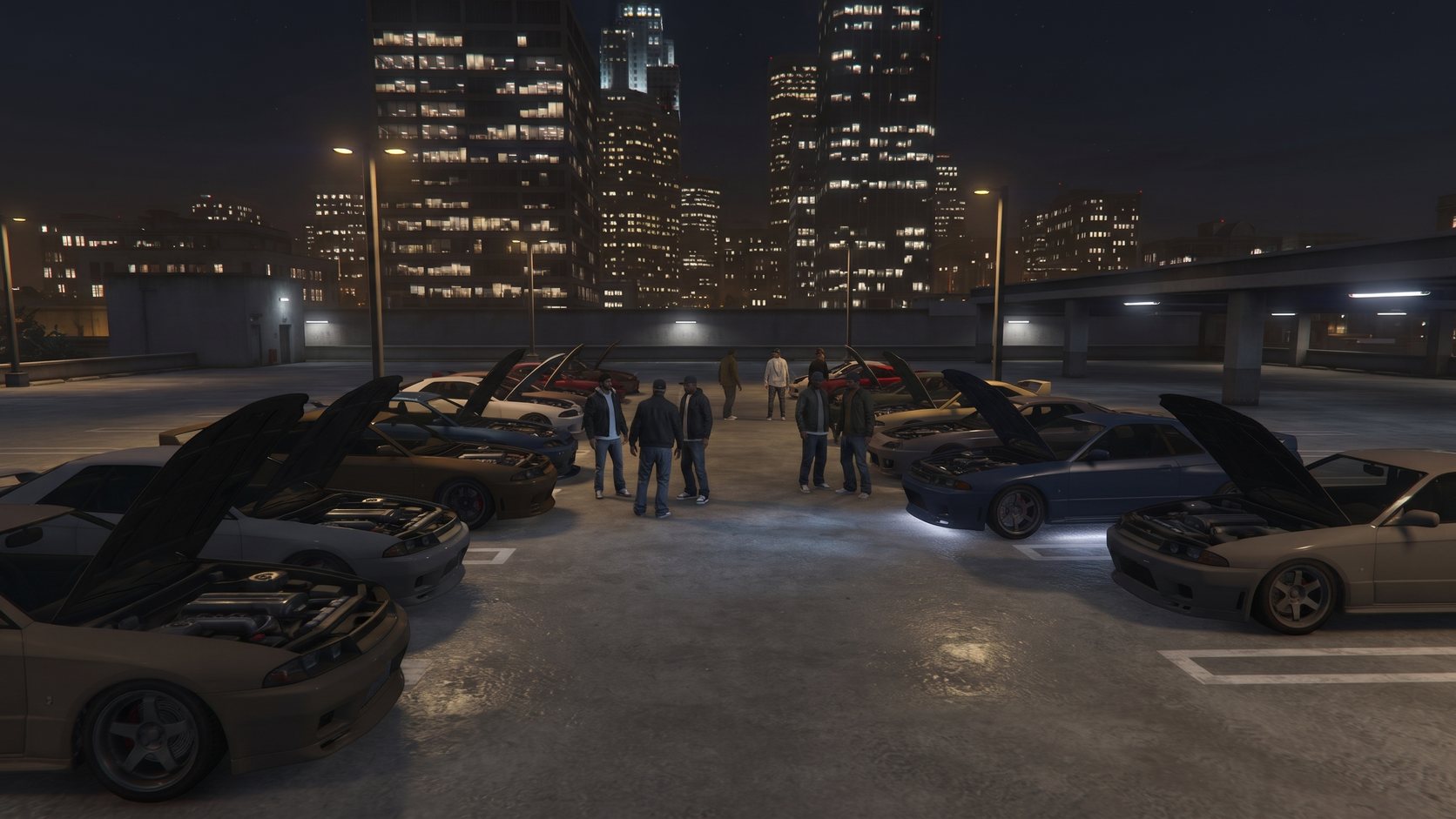
Then the city: the pier for fishing and the arcade, the quarry for ore, the casino for chips and the car park for meets.
If it does not connect
Stuck on the first download
Let it finish; the city's files come down once. If it stops for minutes, reconnect and it carries on where it left off.
Kicked with a timeout
Restart FiveM and connect again with F8. If your firewall asks about FiveM, allow it on private and public networks.
Can't find it in the list
Use the direct link, cfx.re/join/m4qm4eq. The list's search can lag behind by a few minutes.
Something else
Ask in #help on the Discord, discord.gg/nfrp. In game, the Support app on the phone reaches staff on duty.